Take up to five minutes.
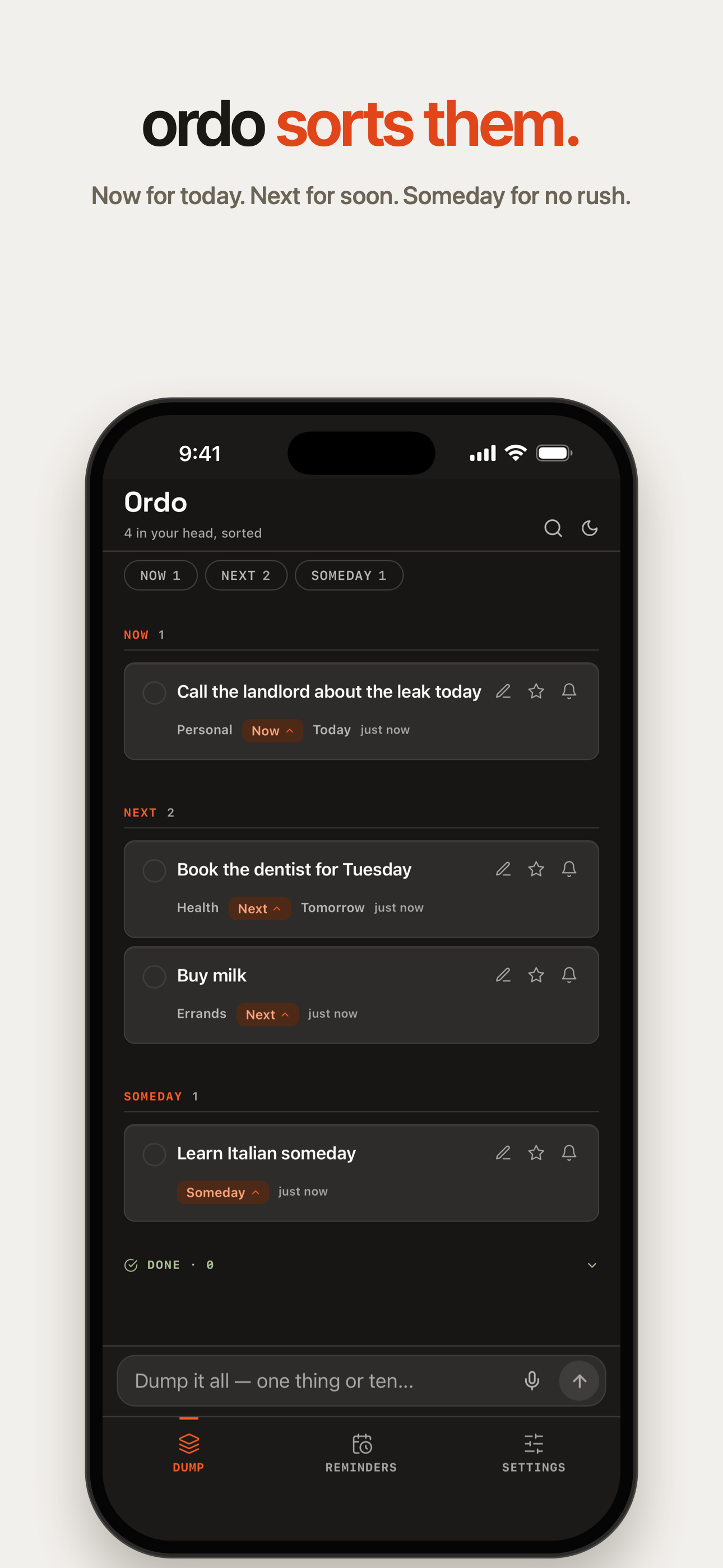
Ordo keeps listening, then sorts everything you said into Now, Next, and Someday.
Ordo: Brain Dump
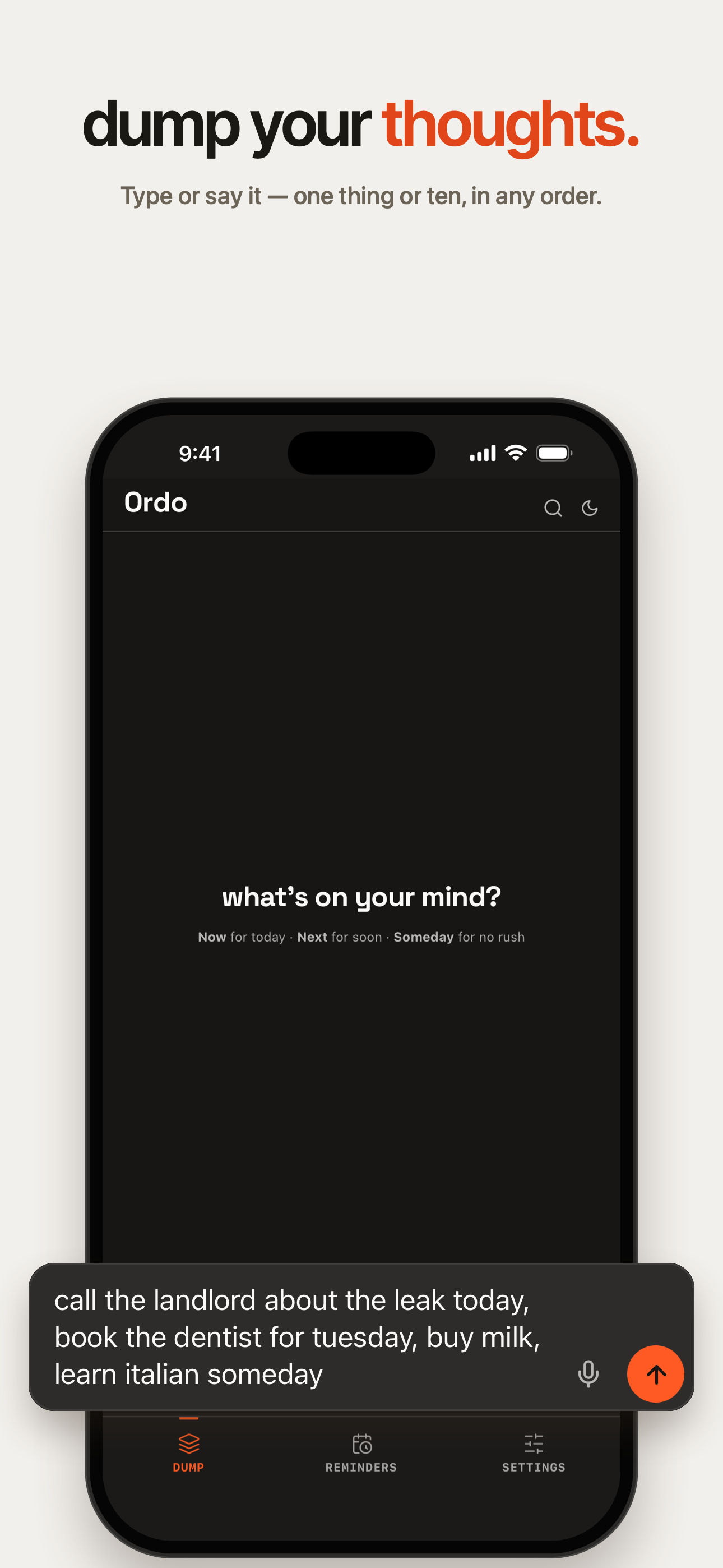
A task. An idea. That thing you almost forgot. Type or say it all — Ordo sorts your thoughts into Now, Next, and Someday.
Free on iPhone. No account required.
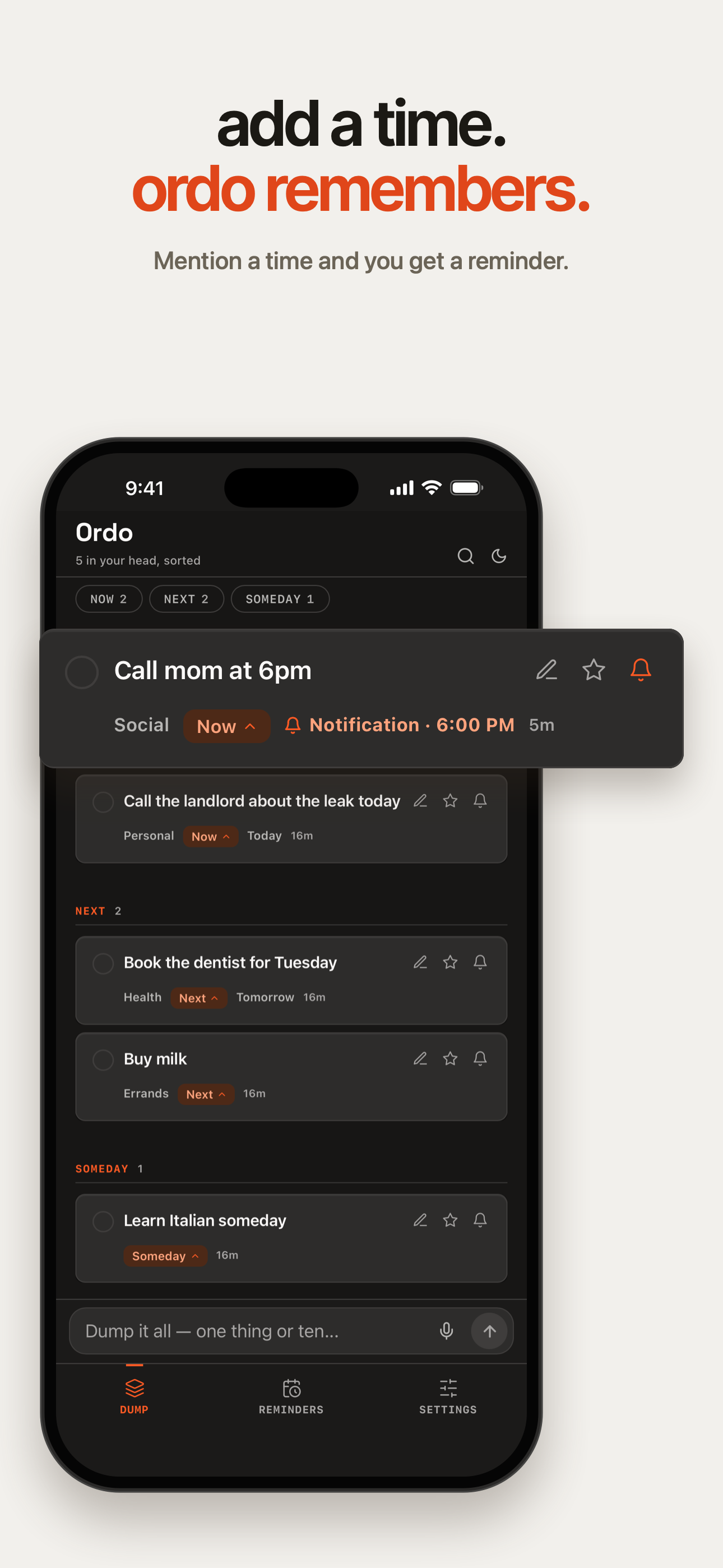
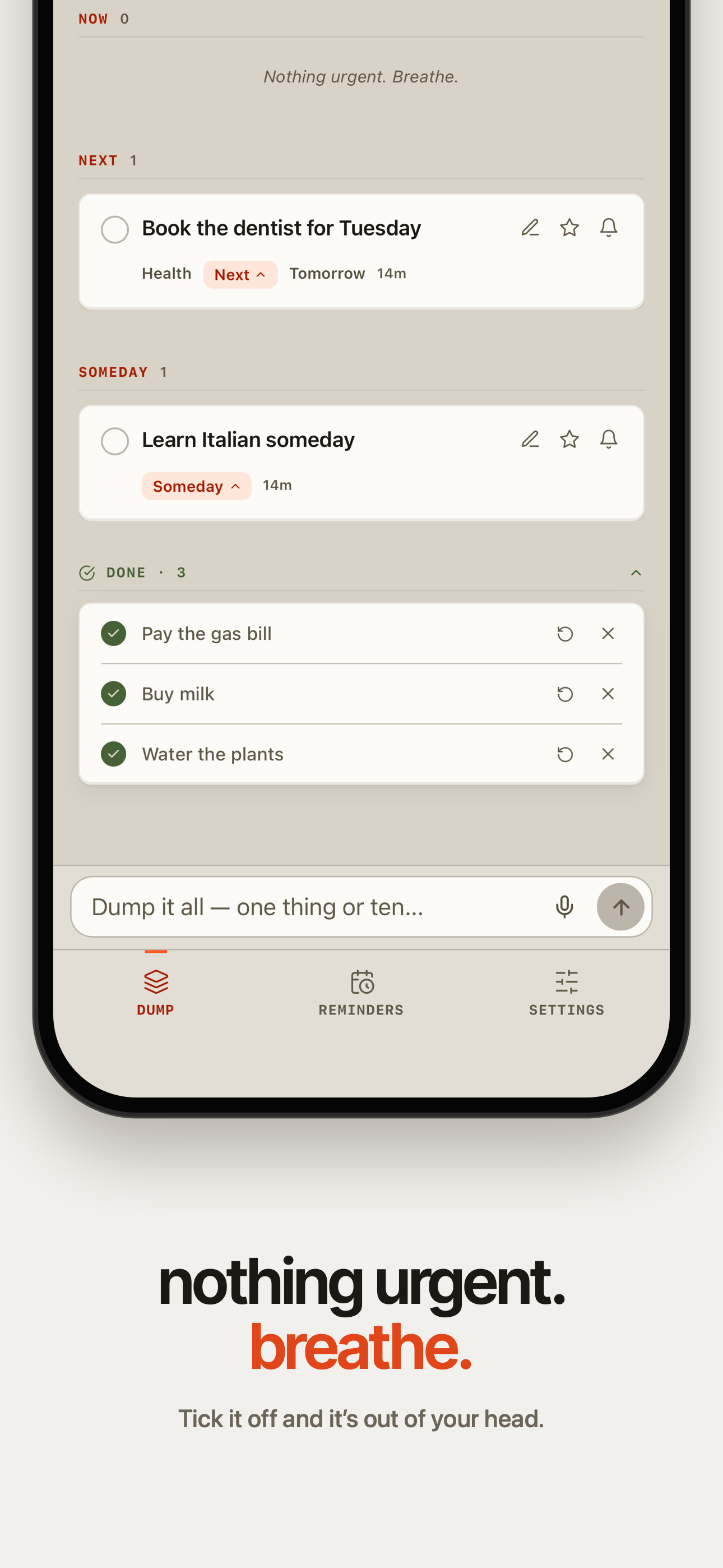
Swipe through Ordo, from dump to done
What is Ordo?
Ordo: Brain Dump is a free iPhone app for capturing mixed thoughts by typing or speaking. It separates a dump into individual items and sorts them into Now, Next, and Someday. No account is required.
New in Ordo 1.4
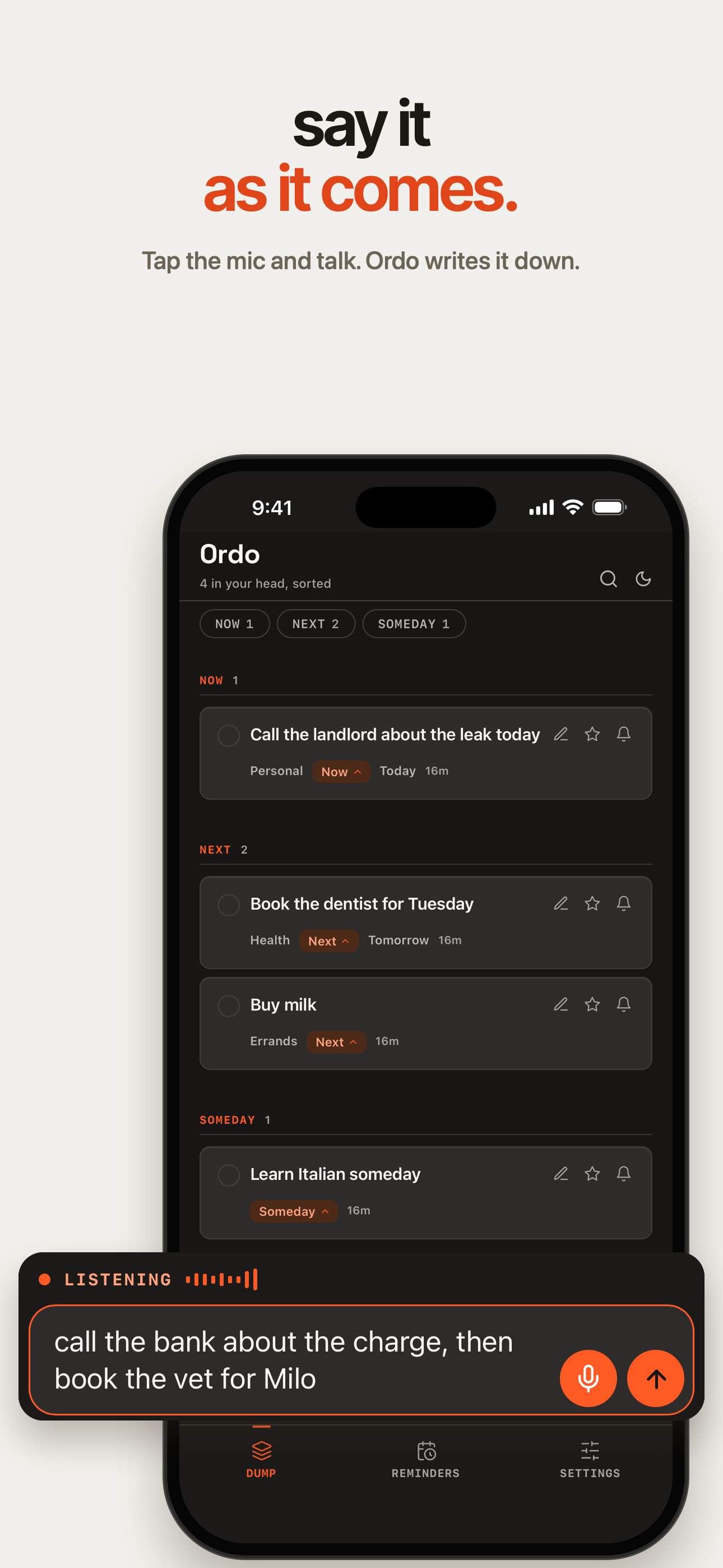
Talk for up to five minutes. Ordo keeps listening, then sorts everything into Now, Next, and Someday.
Ordo keeps listening, then sorts everything you said into Now, Next, and Someday.
Start with a Home Screen widget with a mic, a Lock Screen widget, a Control Center control, the Action Button on iPhones that have one (iOS 18+), or Siri: “Talk to Ordo”.
Pick a time, then choose Once, Until Done (it comes back until you tap Done), or an alarm (iOS 26). Tap Done or Snooze right on the notification.
More in 1.4
Less organizing. More doing.
Type or speak whatever’s on your mind. Mix tasks, ideas, and reminders in one brain dump—or capture from the share sheet, Siri, or your widget.
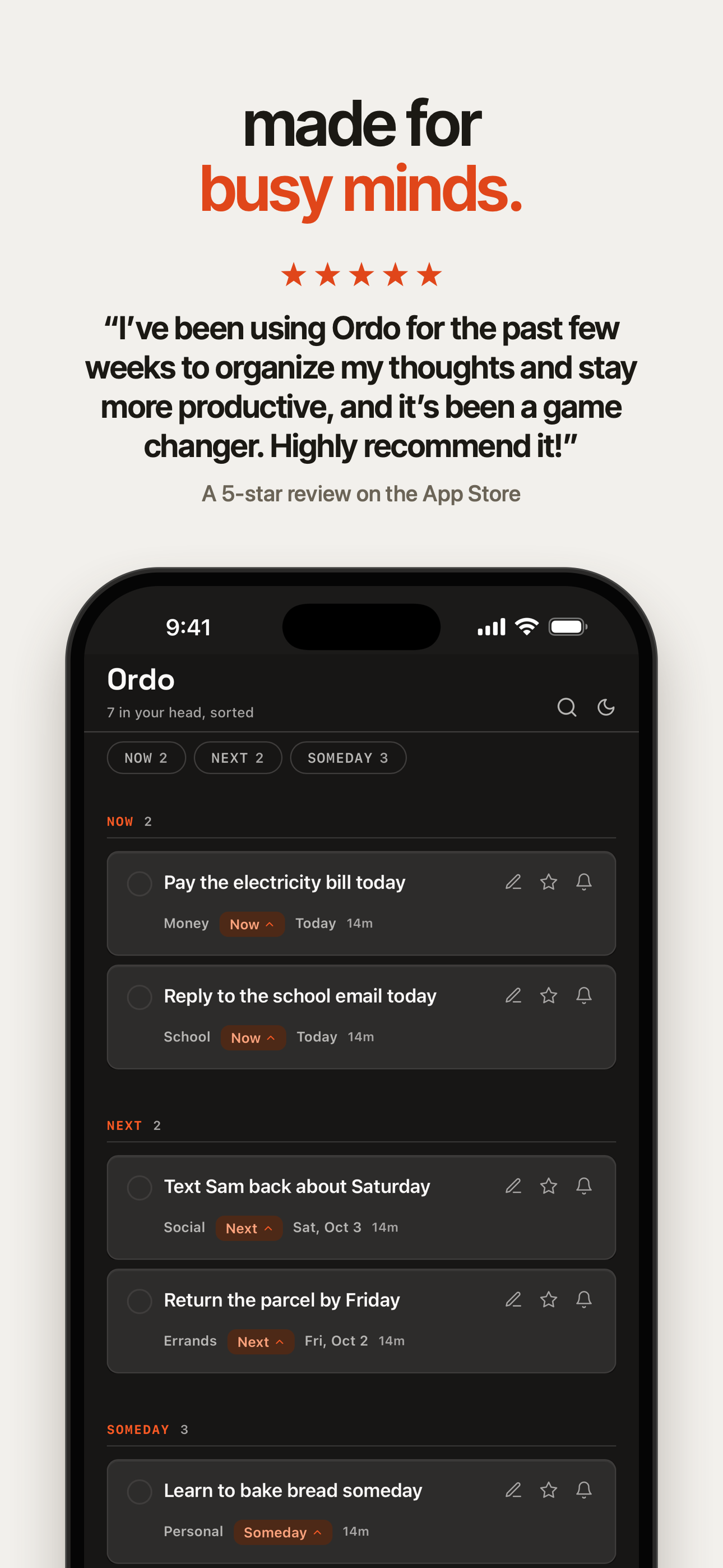
Ordo separates your thoughts and sorts them by when they matter: Now, Next, or Someday.
Move an item. Change the wording. Adjust the result until it makes sense for you.
You don’t need to decide where a thought belongs before you capture it.
What needs your attention today.
What’s coming up, without crowding today.
Ideas and possibilities worth holding onto.
Room for the unscheduled.
Some thoughts are ready for a calendar. Others are just ready to leave your head.
Ordo captures and sorts thoughts before they have a date. When a reminder matters, pick a time and choose Once, Until Done, or an alarm on iOS 26. Tap Done or Snooze right on the notification.
Dump first. Sort second.
Free on iPhone. No account required.
Built by Samuel, after needing a faster way
to capture everything on his mind.